Free Canva Alternatives: A 2026 Comparison
The best free Canva alternatives depend entirely on what you were using Canva for.
If you want the same drag-and-drop, template-first experience, Adobe Express is the closest match. If you were mostly hitting the wall on background removal and premium assets, Affinity is now free and far more capable than Canva ever was. If you just need a browser tab to edit an image with layers, Photopea does that with no account and no watermark.
Below is what each free tier actually gives you, and where each one stops.
First, what Canva Free actually blocks
Worth knowing before you switch, because you may not need to.
The free plan gives you the editor, a large template library, and unlimited designs. What sits behind the paywall consistently across sources: the one-click background remover, the Brand Kit, Magic Resize, premium templates and stock assets, and most of the AI generation beyond a small monthly allowance. Free storage is 5GB.
The AI side is where reporting gets messy. Some 2026 breakdowns describe the free plan as getting up to 200 Standard or 20 Premium AI uses per month from a shared pool. Another describes it as 50 total credits that are not monthly. Pro pricing is cited variously at $12, $15 and $18 per month, and at $144 or $180 per year depending on the source and the date it was checked.
Do not trust any of those numbers, including the ones above. Open Canva’s pricing page while signed in and read what applies to your account and region. What is reasonably consistent is the structural change: the old Teams plan no longer takes new sign-ups, and Business at roughly $250 per person per year is the team option.
The comparison
| Tool | Type | Free tier watermark | Main free limit | Best for |
|---|---|---|---|---|
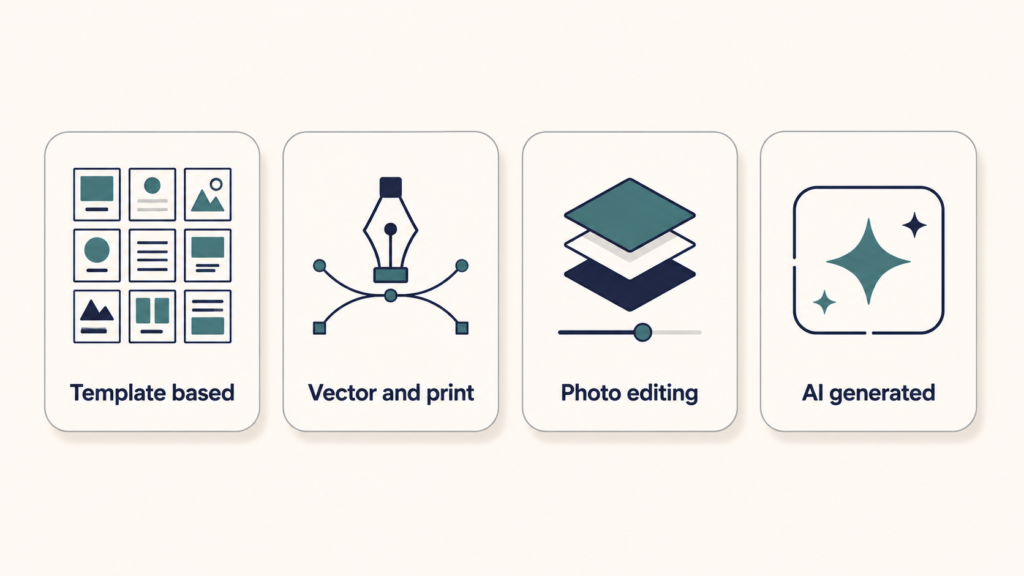
| Adobe Express | Template-based, browser | On premium assets | Limited AI credits, 5GB storage, premium templates locked | The closest Canva replacement |
| Affinity | Professional desktop suite | No | AI features need a paid Canva plan | Print work, vector, photo, layout |
| Microsoft Designer | AI-first, browser | No | Small monthly AI credit allowance | Quick AI-generated social graphics |
| Photopea | Photoshop-style, browser | No | Ads, metered AI features | Editing PSDs without installing anything |
| Pixlr | Photo editor, browser | No on standard exports | Ads, capped saves, AI credit limits | Fast one-off photo edits |
| GIMP | Open source desktop | No | None, just the learning curve | Full raster editing, offline |
| Inkscape | Open source desktop | No | None | Vector graphics, logos, SVG |
| Krita | Open source desktop | No | None | Digital painting and illustration |
| Figma | UI design, browser | No | 3 design files on the free Starter plan | Interface design, simple graphics |
| Penpot | Open source UI design | No | None on the free tier | Figma-style work you can self-host |
Adobe Express
Adobe Express is the like-for-like swap. Same idea: templates, drag and drop, social sizes, browser-based, permanent free plan with no card required.
The free tier includes a substantial template library, a portion of Adobe Stock, thousands of fonts, 5GB of storage, ten days of version history, and scheduling for one account per social network. Brand kits, bulk resize, and wider scheduling sit in Premium.
Two limits matter in practice. Premium content is watermarked on the free plan, which means the export blocks the moment you use a paid template or asset, exactly like Canva. And the generative AI allowance is small: several 2026 reviews put it at 25 credits a month, with each Firefly generation costing at least one, which goes quickly when you iterate. There is also a reported 300MB per-file upload cap.
One genuine advantage: Adobe states that Firefly output is commercially licensed because the models are trained on Adobe Stock and public domain content. If licensing clarity matters for client work, that is worth something.
Adobe has run student offers on Express Premium in the past, including a six-month free period for eligible US students that expired in February 2026. Check whether a current version of that offer exists before paying.
Affinity
This is the most interesting option on the list, and the strangest, because Canva owns it.
Canva acquired Serif, the company behind Affinity Photo, Designer and Publisher, in 2024. In October 2025 it relaunched them as a single unified application and made it free. Photo editing, vector design and page layout now live in one app rather than three, and the core professional feature set carries no charge. You need a Canva account to sign in, but a free account is enough.
What that gets you: layers, non-destructive RAW processing, advanced masking and selection, adjustment and live filter layers, HDR editing, batch processing, and PSD compatibility. It runs offline, which none of the browser tools do. Development has continued since launch, with a substantial update in March 2026.
What costs money: the AI features accessed inside the app, such as generative fill and AI background removal, require a paid Canva plan. Canva’s stock and template ecosystem is also gated.
Two caveats worth stating honestly. First, this is not a template tool. If your Canva workflow was “open a template, swap the text, download”, Affinity will feel like being handed a cockpit. Second, a company promising free forever is a marketing position, not a perpetual licence, and Canva could revisit it. That is not a prediction, just a reason not to build a business on the assumption.
Download it from Affinity’s own site rather than a third-party mirror, since free professional software attracts a lot of fake download pages.
Microsoft Designer
Microsoft Designer is free with a Microsoft account and leans heavily on AI generation. Type what you want, get a design, edit it. Free exports carry no watermark, which is a real advantage over several tools that market themselves as free.
The catch is the credit allowance, and here sources disagree sharply. Multiple 2026 reviews describe free accounts getting 15 AI credits per month, with each generation or AI edit costing one. An earlier report described 15 daily boosts instead. Microsoft’s own page confirms a monthly credit reset without publishing a fixed figure in the material available.
Either way, the allowance is the binding constraint, not a feature paywall. The base editor and templates work without spending credits. The template library is noticeably thinner than Canva’s.
If you already pay for Microsoft 365, you get a larger allowance, though it is shared with Copilot usage across Word, Excel and the rest, so a heavy Copilot week leaves less for design.
Photopea
Photopea is a Photoshop-style editor that runs entirely in a browser tab. No account, no install, no watermark on exports. It opens PSD, XCF, Sketch and RAW files, and handles layers, masks, adjustment layers and selections properly.
The free tier is ad-supported, with ads along the sides of the canvas. AI features such as background removal work on free but are metered to a small number of uses per day. Premium at around $5 a month removes ads and adds generative fill and cloud storage.
This is not a Canva replacement in the template sense. It is the right answer to a different question: “I need to edit a layered file and I do not want to install anything.”
Pixlr
Pixlr sits between the two. Browser-based, faster to learn than Photopea, with AI background removal, generative fill and object removal built in.
Free exports are clean, no watermark on standard PNG and JPG output. The friction is elsewhere: ads in the editor, a small AI credit allowance, and a cap on saves per day. Reports of the exact save limit vary, with one 2026 comparison citing three per day and others describing it more loosely. There is also a file size cap of around 10MB reported on the free tier.
Good for quick edits. Frustrating for volume.
The open source desktop set
None of these have accounts, credits, watermarks, tiers, or terms of service that change every eighteen months. That is the whole pitch.
- GIMP for raster editing, roughly the Photoshop role.
- Inkscape for vector work, logos and anything that needs to scale cleanly. This is the tool most Canva users are actually missing without knowing it.
- Krita for digital painting and illustration.
All three run offline on Windows, Mac and Linux. All three are harder to learn than Canva, and that is the honest trade. If you make two social graphics a month, this is the wrong direction. If design is becoming part of your job, it is the right one.
If you were using Canva for interface design
Different category, but people do use Canva for app mockups, so it is worth naming.
Figma has a free Starter plan, though it limits you to a small number of design files. Penpot is open source under MPL 2.0, browser-based, free with no feature gates on its free tier, and can be self-hosted with Docker if you want your design data on your own infrastructure. Reviews consistently note that Penpot’s weak points are a smaller plugin ecosystem and slower performance on very large files, not missing core features.
Tools that get listed as free but are not really
Worth flagging, because these appear in most “free Canva alternatives” lists without the qualifier.
Snappa, Fotor, Visme, Piktochart and VistaCreate all have free tiers, and all of them restrict the thing you actually need: downloads per month, watermarks on export, or both. Several 2026 comparisons put Snappa at a handful of free downloads a month and Fotor at watermarked exports on the free plan.
That does not make them bad tools. It makes them trials with no expiry date, which is a different product from what Photopea or GIMP offer. Test the export before you build anything on one.
How to choose
Ask what specifically pushed you off Canva.
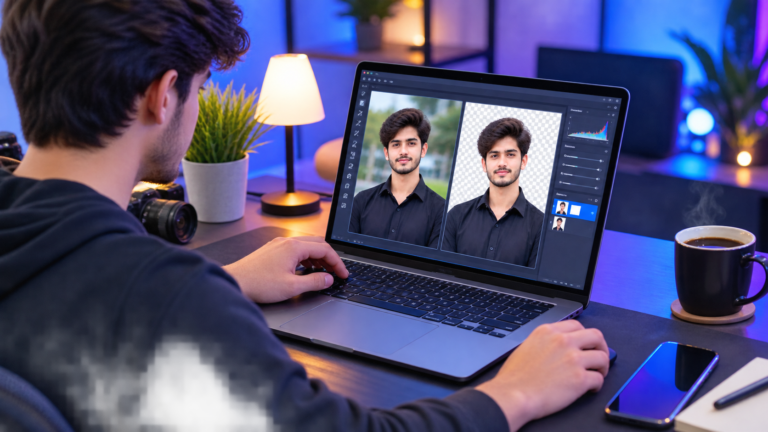
If it was the background remover being paywalled, Pixlr and Photopea both do that free, and Affinity does it manually with far more control.
If it was premium templates, Adobe Express has the same problem in the same shape. Microsoft Designer generates rather than templates, which sidesteps it, at the cost of an AI credit meter.
If it was the Brand Kit, no free browser tool solves this well. Affinity handles it through saved styles and assets, which takes setup but does not expire.
If it was the price of Pro for one person doing occasional graphics, look honestly at whether you need to switch at all. Canva Free with disciplined filtering for free assets covers more than most people use.
And if you are switching because you want to stop renting your design tools, the open source desktop set is the only answer that stays true regardless of what any company does next.
FAQ
Is Canva still free in 2026?
Yes, the free plan is permanent and includes the editor, unlimited designs and a large template library. What changed is the AI credit structure and the team plan lineup. Specific credit figures and prices reported in 2026 vary widely between sources, so check Canva’s own pricing page for what applies to your account.
What is the closest free alternative to Canva?
Adobe Express, by a clear margin. Same template-first workflow, same browser experience, permanent free plan. Its free tier has similar restrictions to Canva’s, including watermarks on premium assets and a small AI allowance.
Is Affinity really free now?
Yes. Canva made the unified Affinity application free after acquiring Serif, and it covers vector, photo and layout work in one app. A free Canva account is required to sign in. The AI tools inside it require a paid Canva subscription, but the core professional feature set does not.
Which free design tool has no watermark at all?
Photopea, GIMP, Inkscape, Krita, Affinity and Microsoft Designer all export without watermarks on their free versions. Pixlr exports clean on standard formats. Adobe Express and Canva both watermark when your design contains a premium asset.
Can I use free design tools for commercial or client work?
Usually yes for the software itself, but the licence that matters is on the assets. Stock photos, fonts, templates and AI-generated content each carry their own terms, and those terms often differ between a tool’s free and paid tiers. Read the specific licence for anything you did not create. If a client contract has its own IP requirements, those may add further restrictions, and professional advice is worth getting for high-value work.
Is there a free Canva alternative that works offline?
Affinity, GIMP, Inkscape and Krita all run fully offline. Every browser-based tool on this list, including Canva itself in most modes, needs a connection.